EleksMaker EleksLaser A3 Pro Laser Engraving Machine CNC Laser Printer
EleksMaker EleksLaser-A3 Pro Laser Engraving Machine CNC Laser Printer


Specifications:
| Brand | EleksMaker |
| Model | EleksLaser-A3 pro |
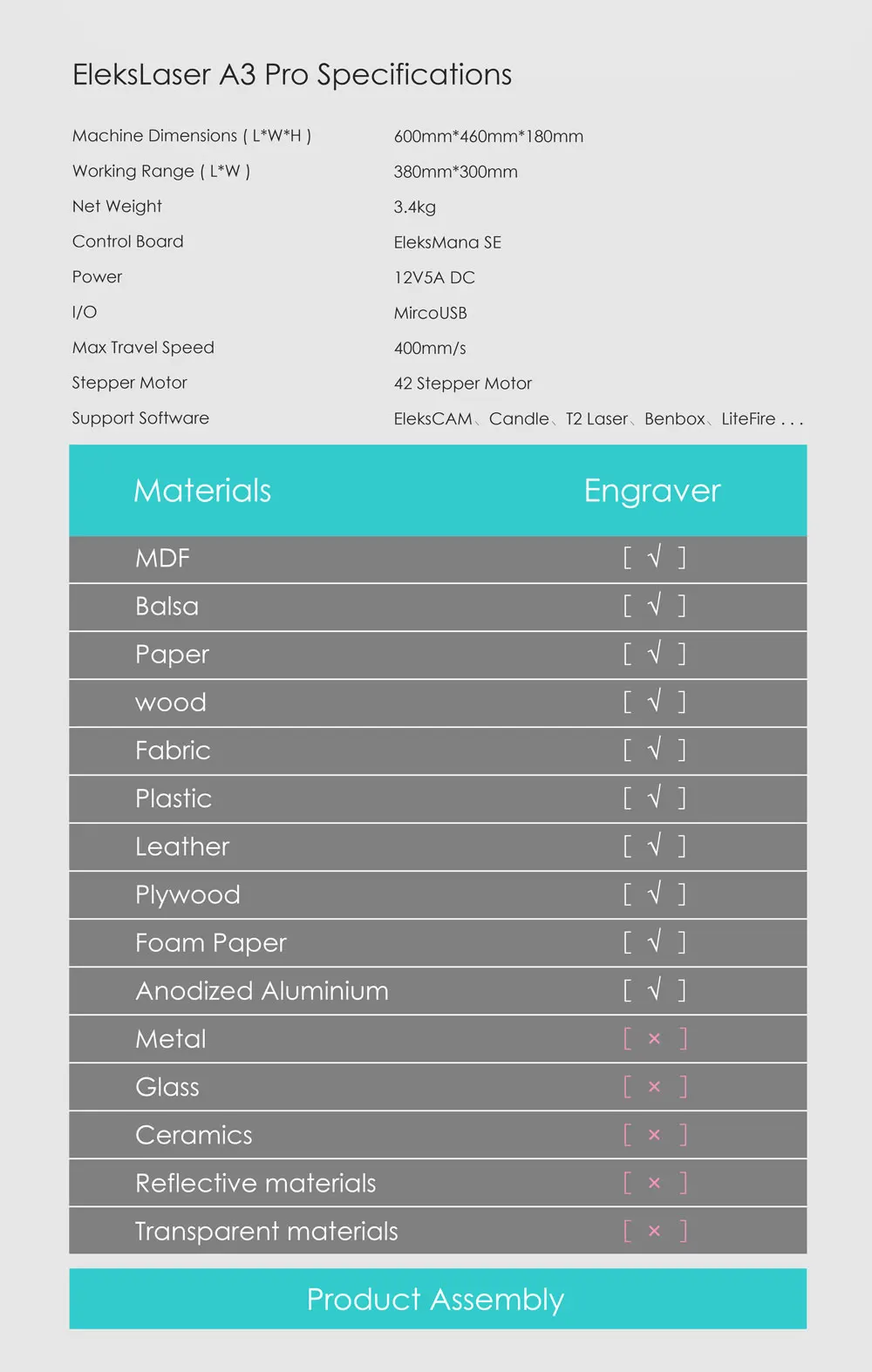
| Wavelength | 445nm |
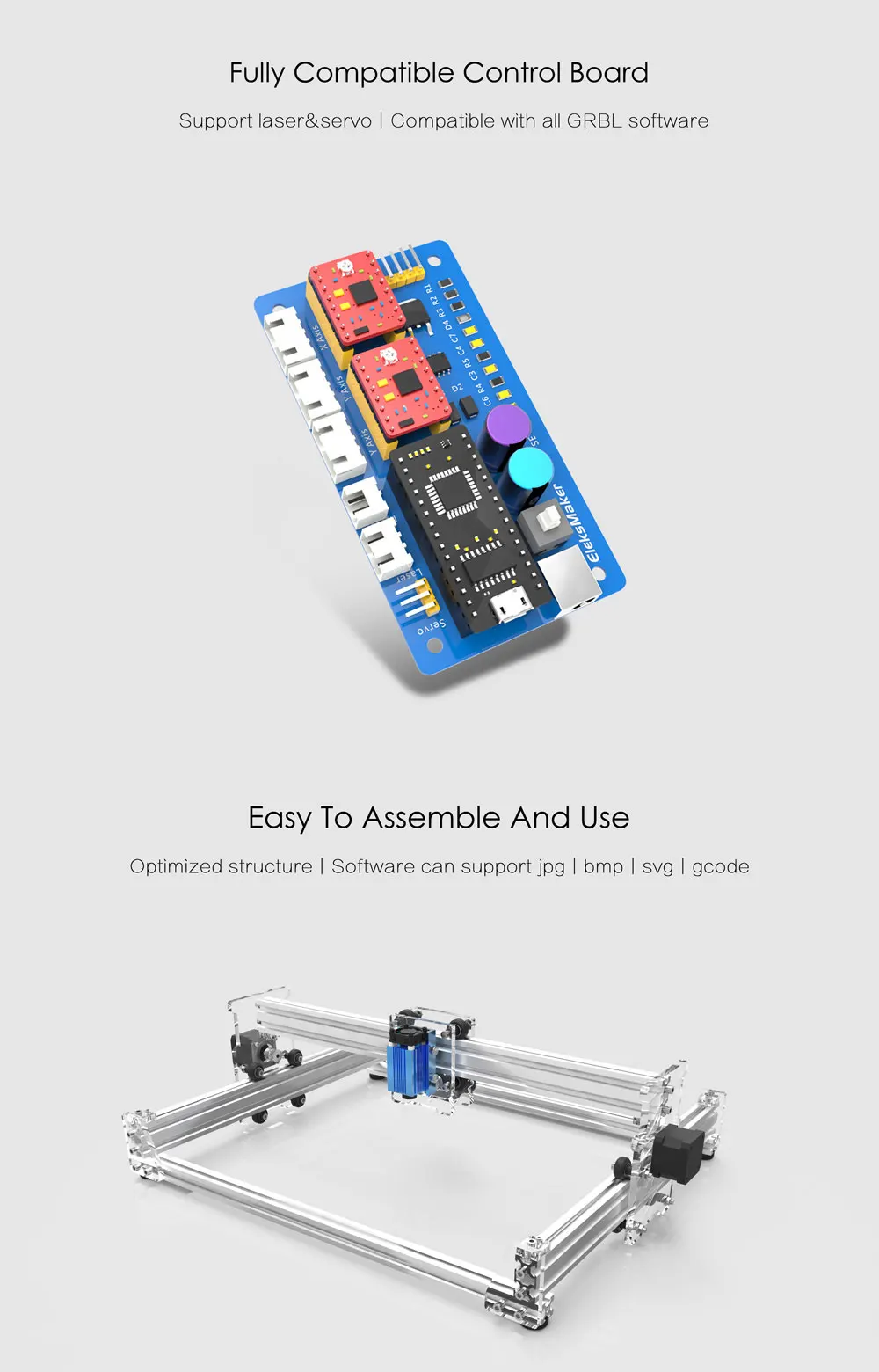
| Control Board | EleksMana SE |
| Communication Port | MircoUSB |
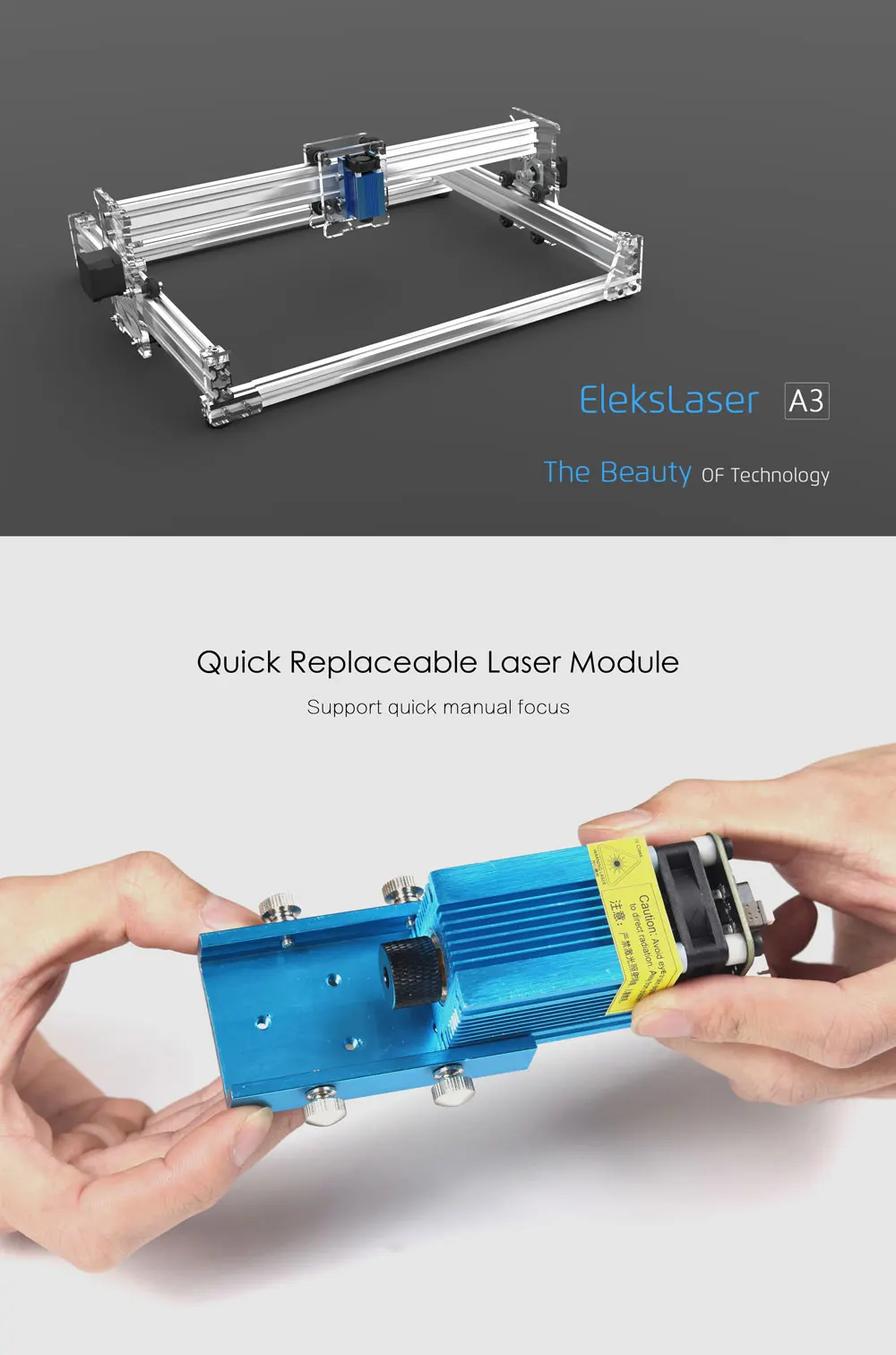
| Laser Quick Replace | Support |
| Stepper Motor | 42H34S-1304A |
| Power Input | AC100-240V |
| System Support | Win XP/7/8/10 |
| Engrave Mode | Photo, Word, Scan, outline, Pixel Laser Engraving |
| Supported Formats | jpg, bmp, svg, G-code |
| Material | Stainless Steel and Acrylic |
| Working Voltage | DC 12V |
| Working Current | DC 4-5A |
| Laser Power | 2.5W / 1.6W |
| Control Software System | EleksCam, T2-Laser, GrblController, LiteFire, Laser GRBL, etc. |
| Engraving Accuracy | 0.01mm |
| Engraving Area | 30x40cm / 11.81 x 15.75inch (maximum) |
| Engraved object height limitation | No Limitation |
| Packaging Size | 58x40x14cm / 22.83x15.75x5.51inch (L*W*H) |
| Assembled Product Size | 60x46x18cm / 23.62x18.11x7.09inch (L*W*H) |
| Package Weight | 4.90kg |
| Can Engrave | Wood, Plastic, Paper, Bamboo, Ox Horn, Leather, Sponge Paper, etc. |
| Can not engrave | Metal, Stone, Ceramics, Glass, Reflective or Transparent Material |
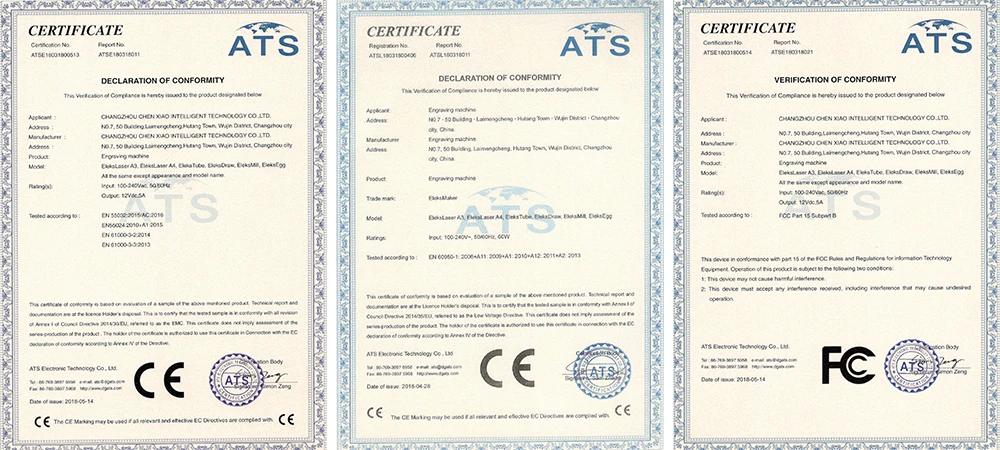
| Certification | CE, FCC, FDA(Please contact us if you need them) |
| Function | ideal for amateur laser engraving usage low-light positioning and freedom positioning functions. |
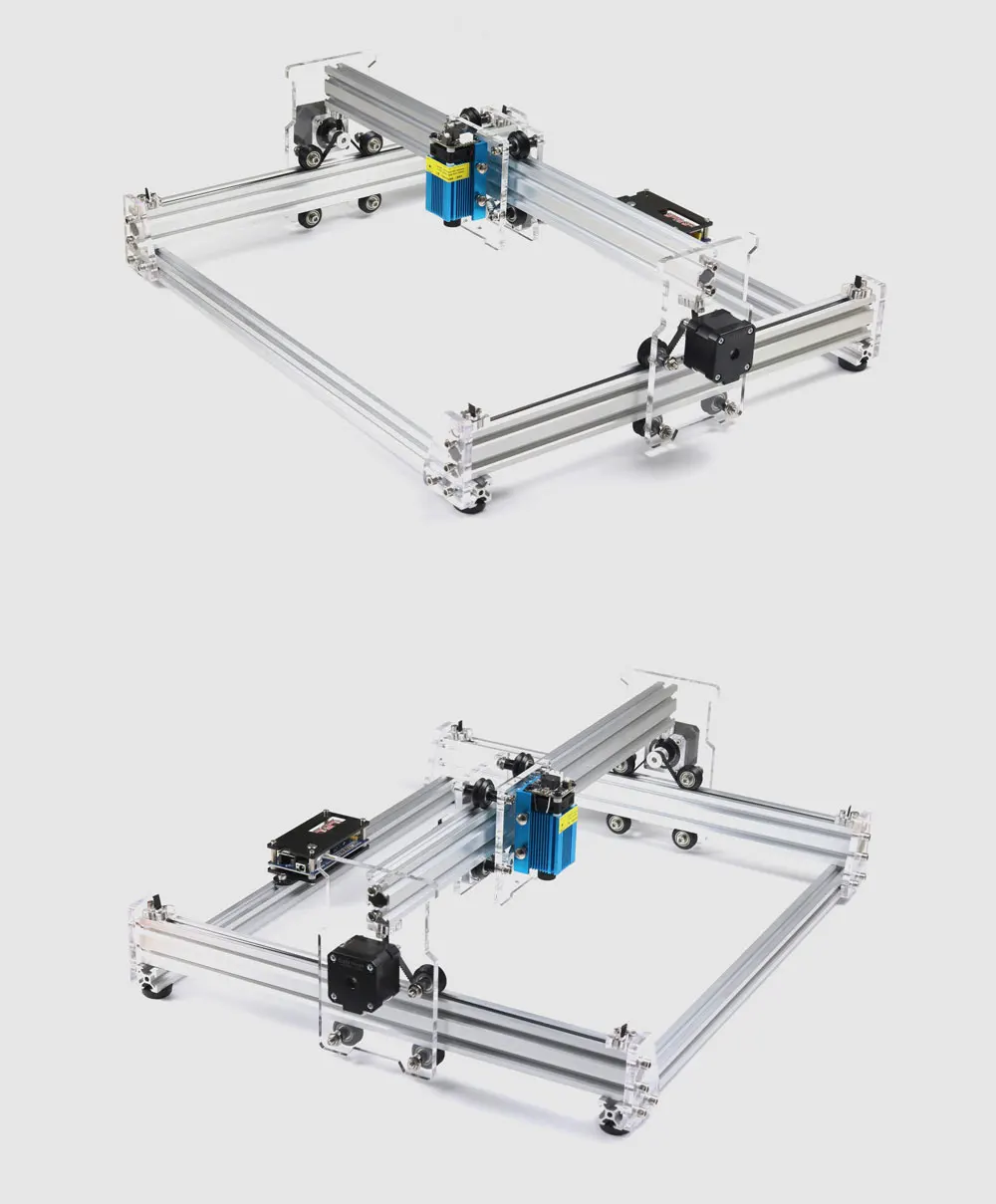
| Features | 30X38cm ultra large engraving area,gantry shape design, no engraving height limitation. |
| Three stepper motor drive providing faster moving speed. | |
| violet laser module with heat sink, high laser engraving power and long-term available. | |
| can print any pictures easily |
Tips:
Laser machine installation, software downloading, software setting ,operating instructions and FAQ: https://wiki.eleksmaker.com/doku.php?id=elekslaser_a3_pro
Laser module self-checking tips link: https://wiki.eleksmaker.com/doku.php?id=laser_module
Note(Please pay attention):
1. Please wear laser goggles during usage and avoid touching the laser directly with your eyes and skin!
2. The red cord is DC12v(+),black cord is GND(-), yellow cord is signal(S). Please make sure you know the wire position and connect
to the ManaSE board correctly!
3. The warranty period of laser module is one month. If you have any quality problem(Except individual situation like using the laser
module more than 30 minutes per time and cause the damage ), please feel free to ask our customer service for a help.
4. If your laser module has any problem, please DO NOT dismantle it without our permission. It will destroy the laser module.
5. If you have any quality problem about the machine, please feel free to contact us. Many operative problem can be solved according
to your video and problem description. Thank you in advance.
Package List:
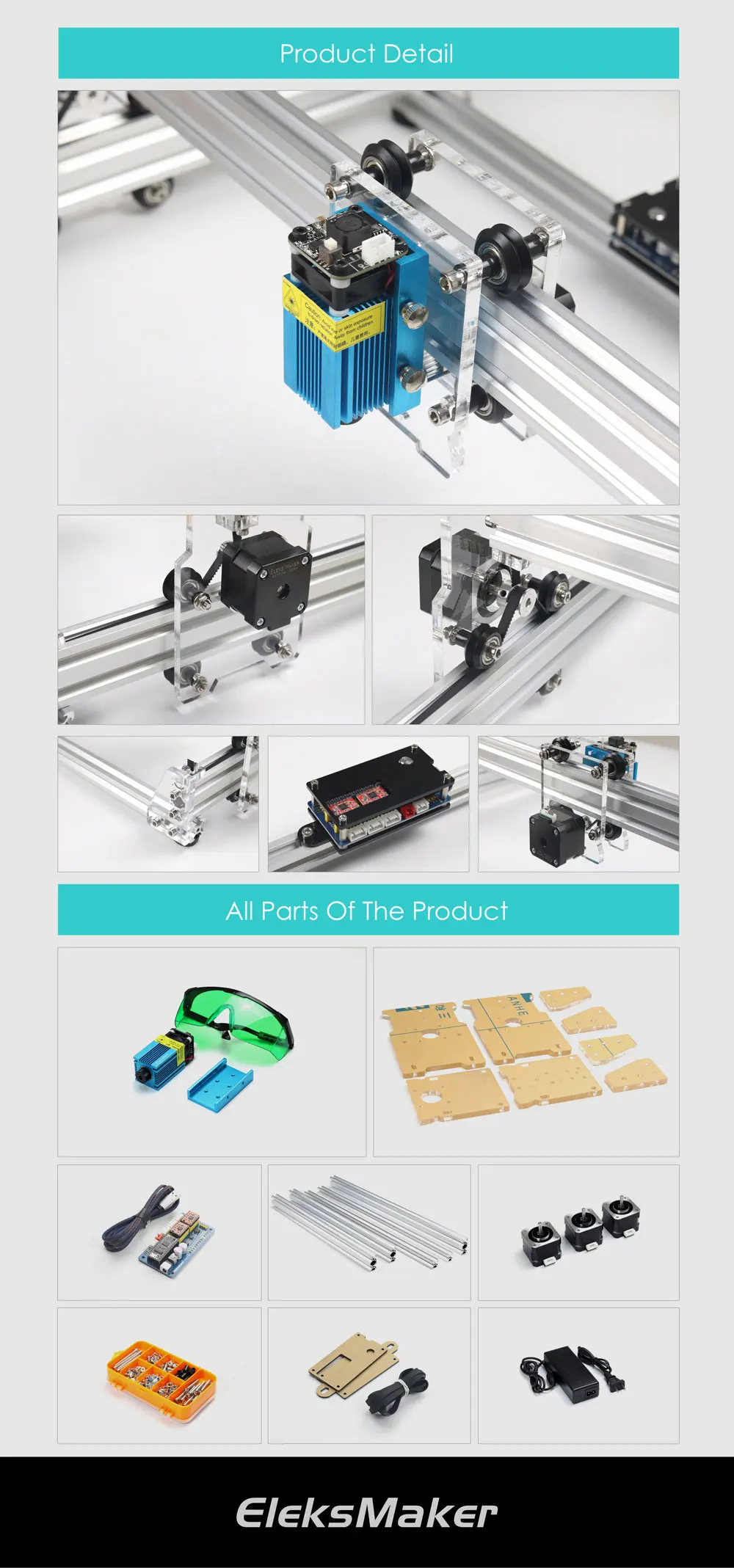
1 Set x Laser Engraving Machine kit (Need to be assembled by you)
FAQ:
1. How to assemble the kit?
The whole assemble and operating manual link is here: https://wiki.eleksmaker.com/doku.php?id=elekslaser_a3_pro
You can also watch the video to do it: https://www.youtube.com/embed/_1ypts5489Y
2. What software can support this machine? And what image format? Engrave Mode?
Supported Software: EleksCam,T2-Laser, Benbox, GrblController, LiteFire, Laser GRBL, etc.
Supported Image Format: jpg, bmp, svg, G-code
Supported Engrave Mode: Photo, Word, Scan, Outline, Pixel Laser Engraving
3. What system can the EleksCAM support?
PC Windows XP/7/8/10 , Laptop is OK,too.
4. My laser doesn\'t work, what should I do?
If the machine does not work, it might because:
① The wire connection is wrong.Please check the connection like the picture shown.
② Your computer could not support the software.Please use Win XP 7/8/10 to check it.
③ Software problem.Please check whether wires are inserted rightly. And then check your data setting.
④ The kit misses some accessories.Please compare with the instruction and tell us, we will solve it once you send us the email.
⑤ Laser module/ driver board/power supply is broken.Please check which part is the main problem,and then send us a video to prove it.
Or you can send us a video about your software setting,working laser and driver board. We will analyze it and give you a solution.
⑥ Laser module self-checking tips link is here: https://www.dropbox.com/s/nuuu98e3einfee4/Laser%20Tips.pdf?dl=0
5: My software shows: Not data, what should I do?
There might be two reasons.
① You did not open Administrator privileges to run the software. Please try this.
② Your computer architecture is incomplete:check whether VC ++ and. Net and directX are installed, and have to turn off the virus.
6. Can I regulate the laser power or the laser power is adjustable?
Our new Mana SE controller board can adjust the power. Please download our ElekesCAM software to do it.
7. Can I upgrade stronger power laser module by myself? Can I extent rail frame?
Yes,you can.DC12V laser module can be installed on this machine. The red is positive.You can also extent the frame by yourself,
but we do not provide rails. Please note that.
8. When I click arrows to control the motors, it works. But when I begin to make it work with EleksCAM software,
it does not move. What should I do?
The EleksCAM could move by hand but could not move when focus.The problem is the area and language inside the system control panel.
Please set the format to English and United States.Then it will be OK. Detail is shown in the wiki link above.
9. My laser module is always on and could not turn off.What should I do?
Please try to connect the Signal(S) and GND(-).
If the laser module turn off, that means the laser module is OK, the problem might be the ManaSE board or software setting.
If the laser module is still on, that means the laser module might be damaged.
You can check as the video shown: https://www.youtube.com/watch?v=kf6uOFaQ_-k&feature=youtu.be
10. If my laser is broken and I might find the reason(Or I could not find) . What should I do?
① Find the reason: Take a video to prove the part is broken and then send it to us. we will give you a solution according to your video.
② Could not find the reason : Check the Question 4 first. If the problem could not be solved, please feel free to contact with us
service with a video, The video should contain software setting, broken part details and the power-on machine.
We will solve it asap.



Comments
Post a Comment