1500mW 80x80mm USB Desktop Mini Laser Engraver Machine Printer DIY Logo Marking Cutter Engraving Range CNC
1500mW 80x80mm USB Desktop Mini Laser Engraver Machine Printer DIY Logo Marking Cutter Engraving Range CNC Laser Carving For WIN


{infomodule}

Name:1500MW Laser Engraving Engraver MachineDIY Cutter Logo Printer 8x8cm
Only Supporting systems: for Windows for XP/7/8/10,Not Supporting for MAC systems
Note: Before the user engraves, in the software settings, re-set it, then adjust the software parameters,
and for focus once before engraving.
Specifications:
Model:743115
Material: ABS(Acrylonitrile Butadiene Styrene plastic)
Laser power: 1500MW
Input Voltage:100-240V 50-60Hz
Output Voltage:5V/2A
Carving area: 80x80mm
Carving depth: 1mm
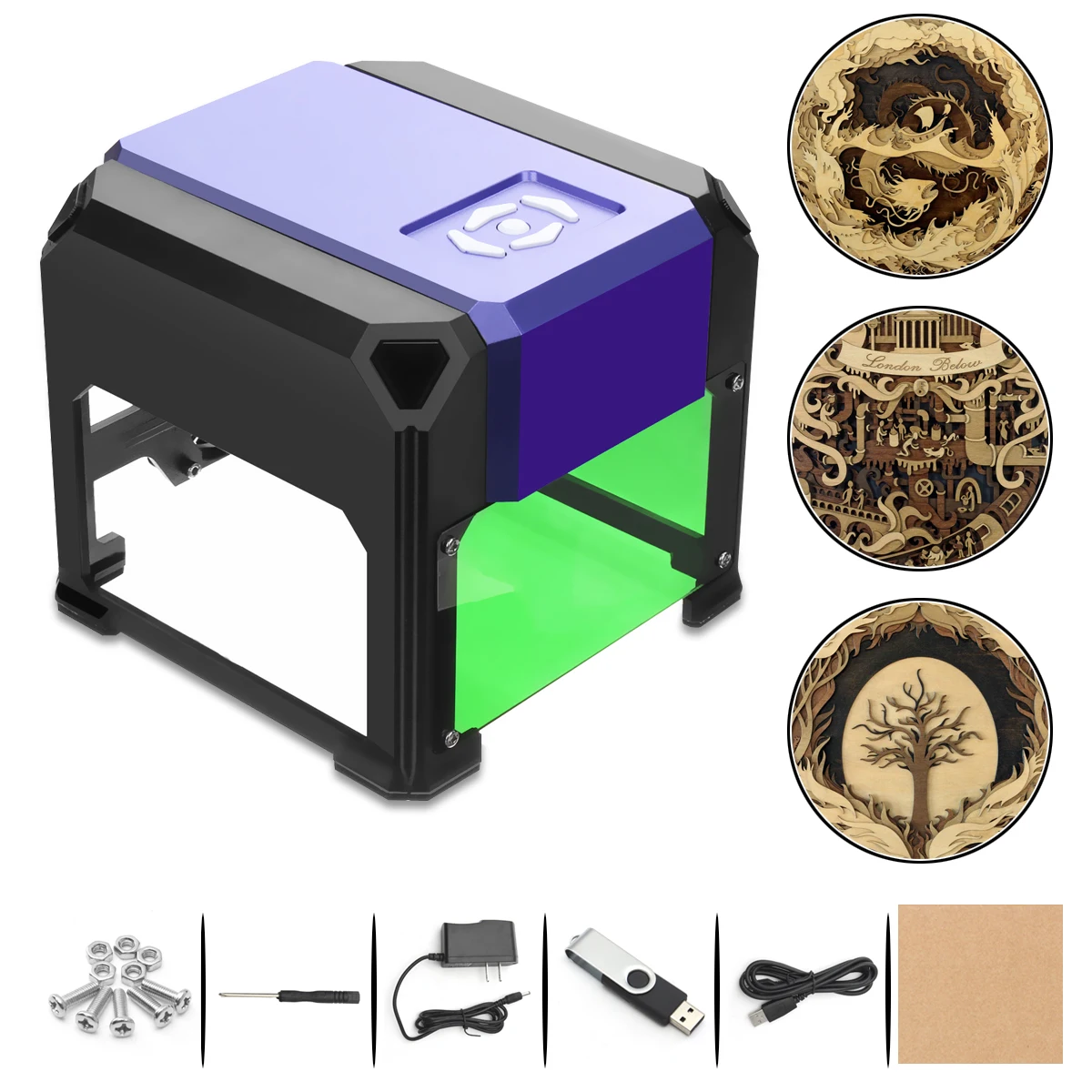
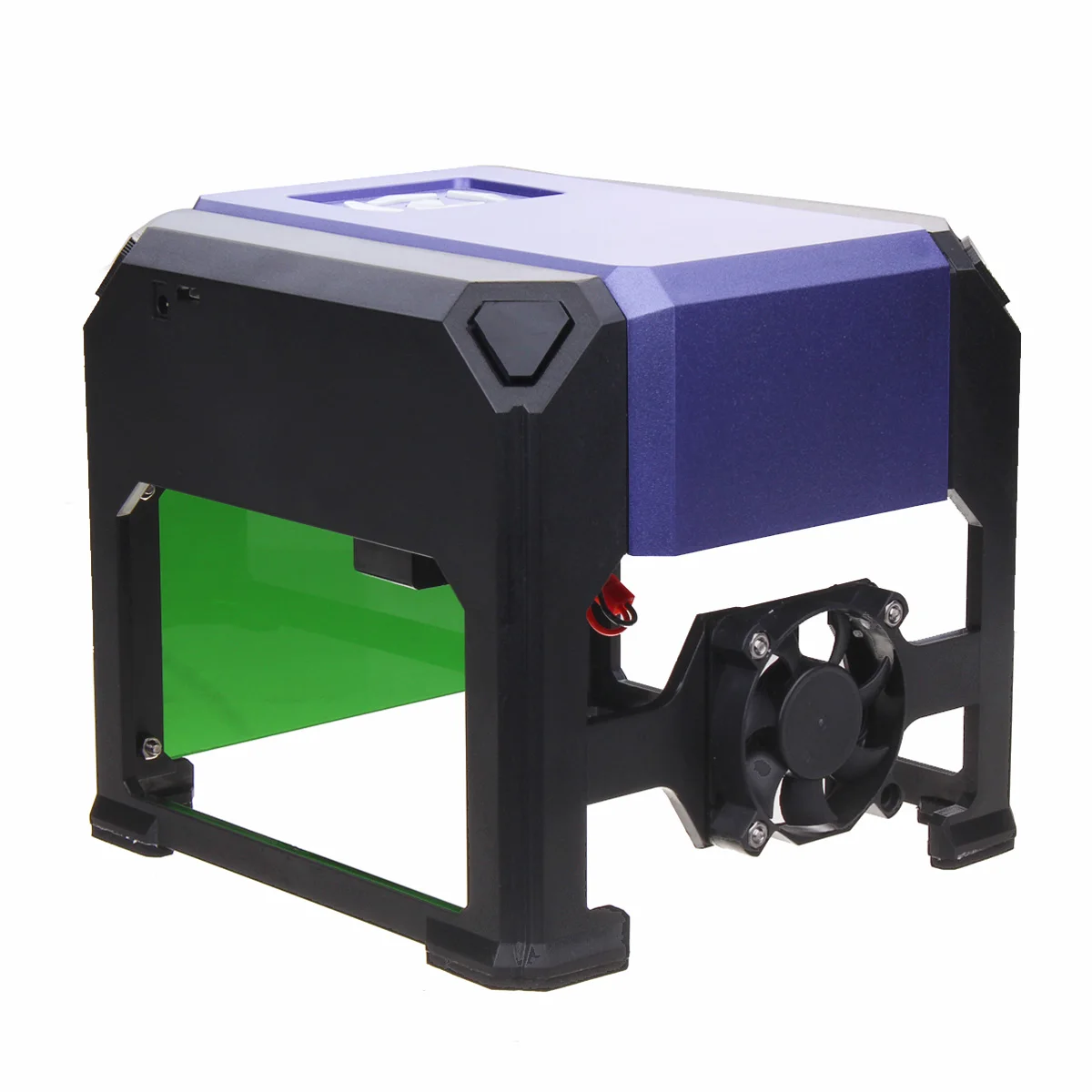
Color: Purple&Black
Size: 15x15.5x14cm
Power cord\'s length: 116cm
USB cable\'s length: 120cm
Applicable range: Plane surface
Only Supporting systems: for Windows for XP/7/8/10
Supporting image format: JPEG/ JPG/ PNG/ BMP
Can carve the following materials:wood, plastic, leather, etc.
Can not carve the following materials:Metal glass crystal etc.
Features:
* Made of hight quality ABS(Acrylonitrile Butadiene Styrene plastic),durable ,not easy aging.
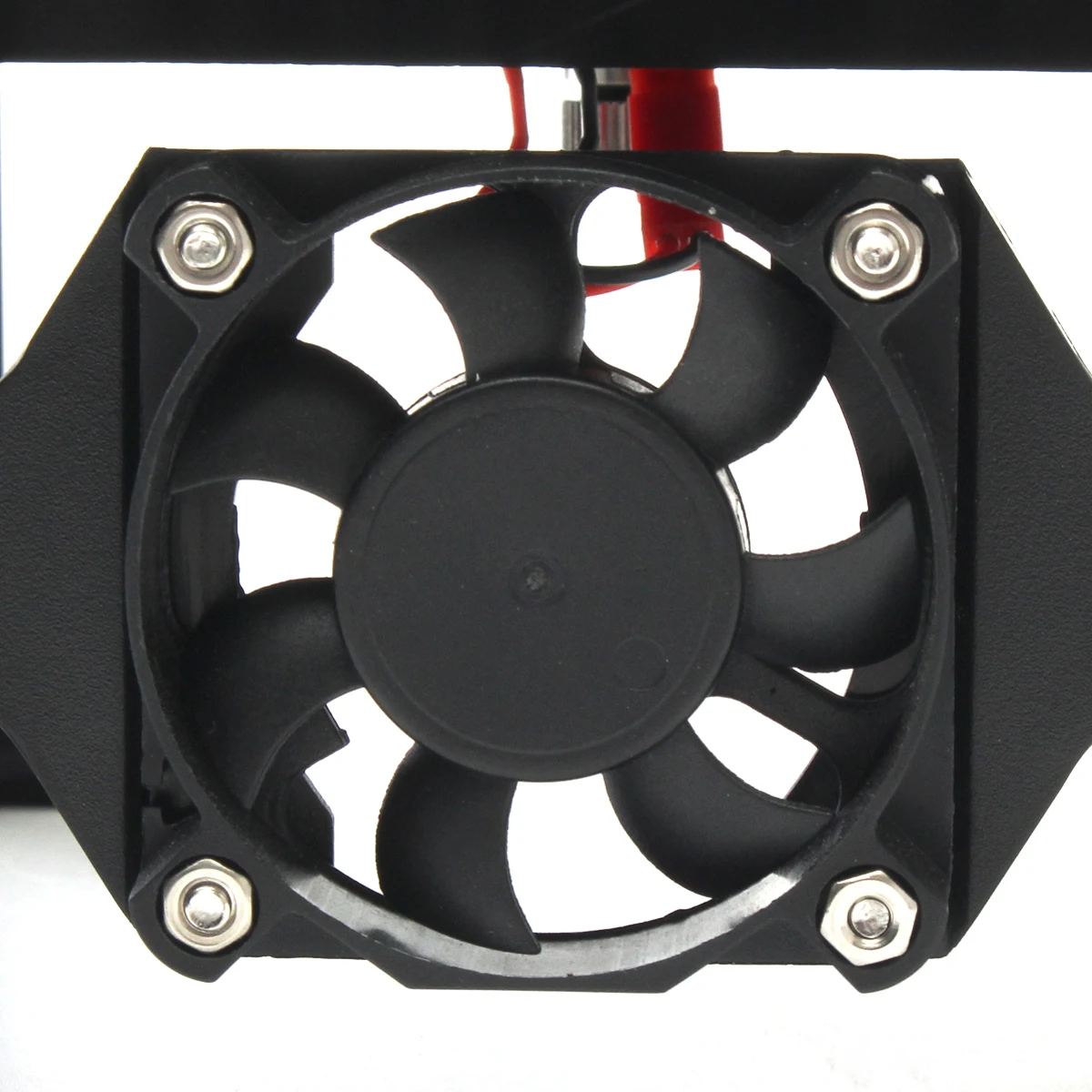
* With cooling fan,can cooling the machine temperature,extend the service life.
* Laser for focus knob,through rotation can adjust for focus point to determine the precision.
* Comes with protective lenses, do not have to operate with glasses, more convenient.
Usage:
1: Connect the laser graver with computer.
2: Install the software.(see more details in the manual)
3: Open the software.
4: Choose or import a picture, edit it. Make sure the pic is in the mid of the engrave area.
5: Start engrave.
*Please connect the graver to computer before install the software, or the graver is unable to function correctly.
Package includes:
1 x Laser Engraver
1 x USB Disk
1 x Screw Driver
4 x Screws
4 x Screw Caps
1 x Power Cord
1 x USB Cable
2 x Wooden Board
2 x Paper Board
1 x Protective Lens
1 x Manual
Precautions for use:
1. First copied the compressed package in u disk to the desktop of computer,
2. Extract the folder, and then install the driver.
3. Connected the two lines of engraving machine ,open the software.
4. To the laser power, you must pull to the right to 100. Engraving time pulled to 60, need for focus before engraving.
We provided the video for your reference, the link is:https://drive.google.com/open?id=1BYZlgtOqyTUK3WHeFnDUN_g859YNRMTh
Note:
1.The product is a laser carving machine for home use, a tool machine, can not be compared with laser carving
machine for industrial use.
2.Do not use the laser head to point at human or livestock,do not use laser to point at people’s eyes.
3.Laser has power.skin exposure to laser is strictly prohibited.
4.The caving machine should not be stopped while working,it will cause a damage.
5.This product not suitable for kids under age of 14.
6.Software only support Windows.
7.Do not fall or make any collision to the product.
8.The shell with laser cutting technology,sharp edges,please pick up and down gently to prevent scratches.
9.Metal, glass, crystal and transparent or translucent stuff are can not be engraved.
10.The color of the item may vary slightly due to photography and different PC monitor, and the size might be
slightly errored due to manual measurement. Your kindly understanding would be appreciated.
11.You might need to temporarily shut down the antivirus software before downloading the software. Otherwise
some files in the software would be mistaken for virus and deleted by antivirus software.
12.Please according to the user manual to operate the machine. After 20 minutes of working, it need to take a break,
can not work continuously for a long time.
13.Please contact customer service when the product has problem, do not privately download other version firmware
on line to upgrade products, this behavior will directly undermine the product control panel.



Comments
Post a Comment